
Plug in Screen Time
Mindling reads usage summaries from your phone's own wellbeing tools, only with your permission.
Out now on iOS and Android
Mindling turns your screen time into the life and mood of a tiny creature you actually want to keep thriving. Not another guilt dashboard.


Thirty seconds of how it works: your screen time becomes its life and mood, putting the phone down brings it back, and focus helps it grow.
Pick a photo, agree on the consent screen, and get a one-of-a-kind mascot. Then watch it grow up on a real-world clock. Your first one is free.


one of a kind
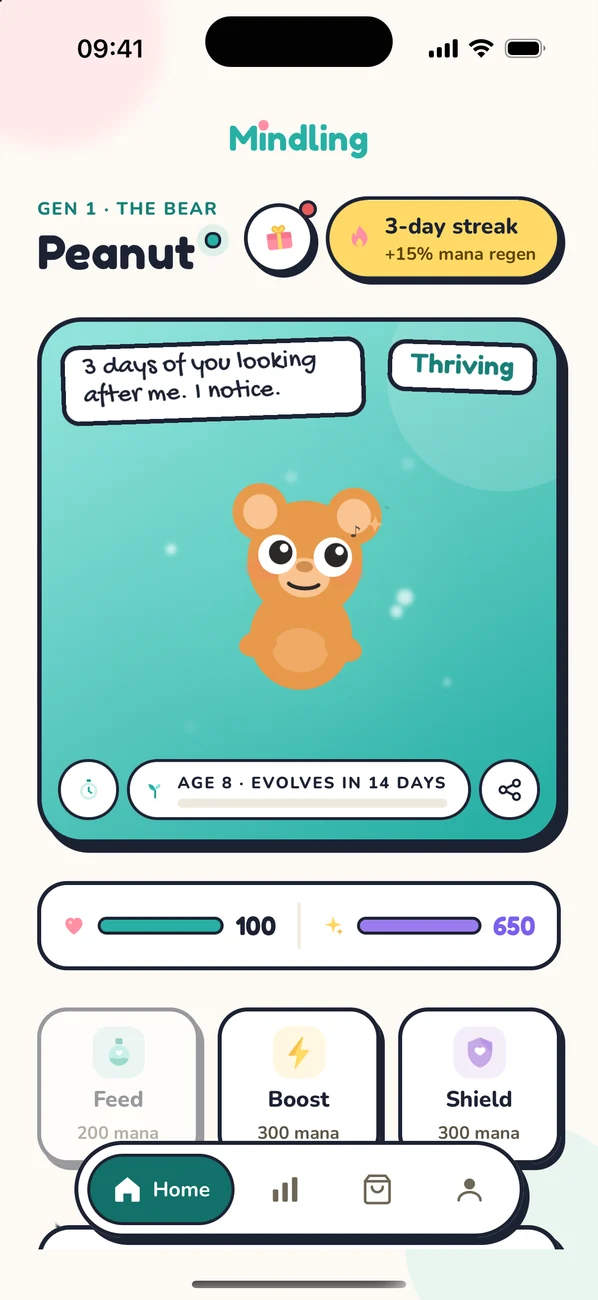
Every scroll bends it. Mindling reads your screen time and turns it into how your mascot feels, right on its home screen and your lock screen.
Mindling reads usage summaries from your phone's own wellbeing tools, only with your permission.
A calm day keeps it thriving. A doomscrolling evening wears it down, and you can see it happen.
Earn mana and spend it on care, power-ups, hats and glowing auras.
Drag today against your usual day and watch how your Mindling takes it.

doing well
Content
Mindling measures you against your own usual day, not a fixed number of hours.
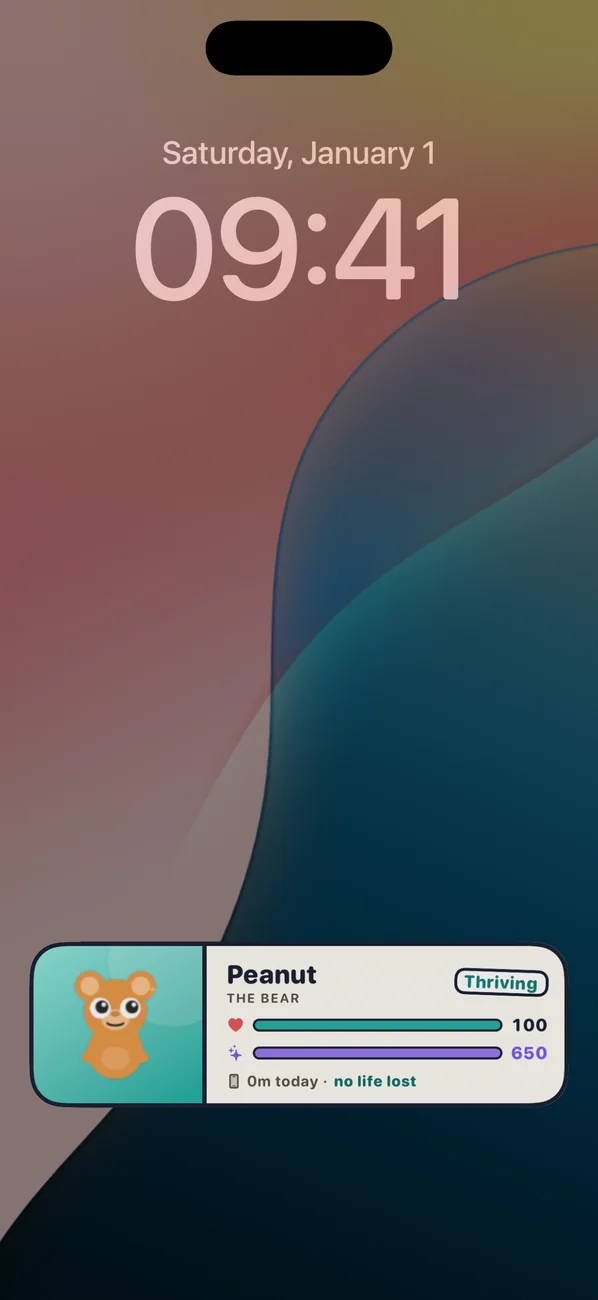
A Live Activity keeps your Mindling's life, mana and today's screen time one glance away, so you see the cost before you open that app. Home-screen widgets too.
Thursday 23 October
9:41

Pip
Baby Mindling
55m today · -15 life
Missions are short phone-down moments that fit your day. Finish one and your Mindling heals while you're away, and you earn mana.
No phone for the first 20 minutes of your day.
20 minHalf an hour at the table, phone face down.
30 minPhone out of reach for 30 minutes before sleep.
30 minOr start a focus session whenever you like. Your Mindling naps on your lock screen until you're back.
Pick when you start, switch any time in Settings. Mana, streaks and rewards work the same either way.
recommended
Can't die from screen time
Run its life all the way down and your Mindling faints instead. Put the phone down and it recovers on its own.
the original

Real stakes
Let life hit zero and your Mindling dies. Bring it back with a Revival Elixir, or start a new generation.
Heal it when it's struggling, boost or shield it while you get on with your day, and watch it grow.
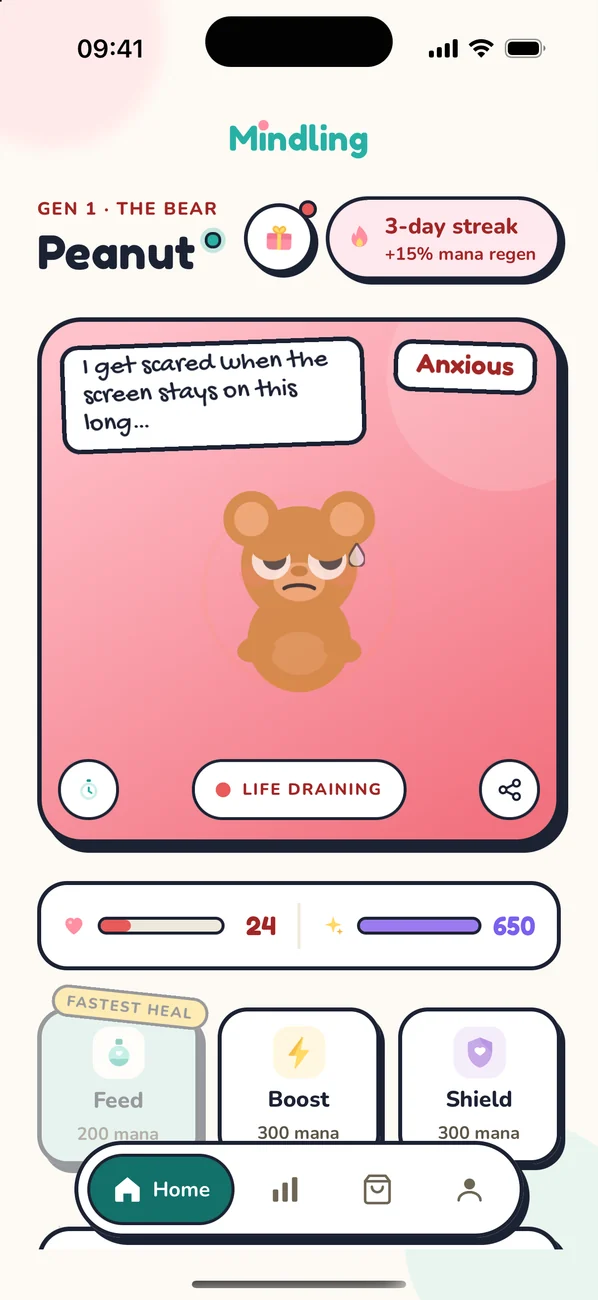
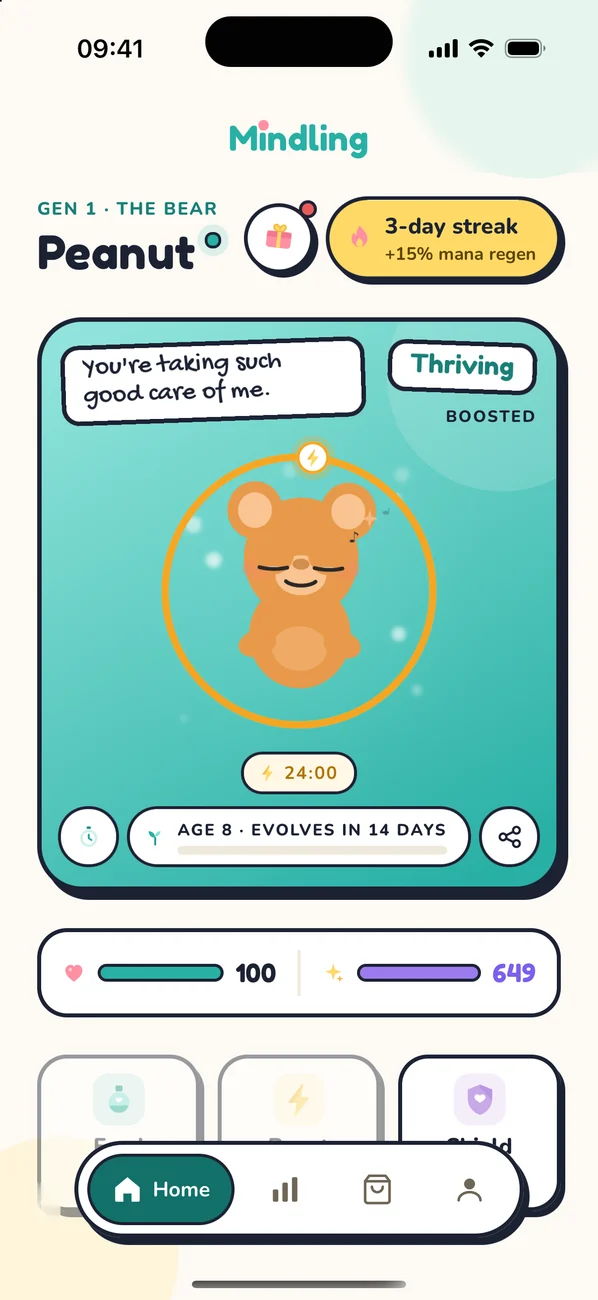
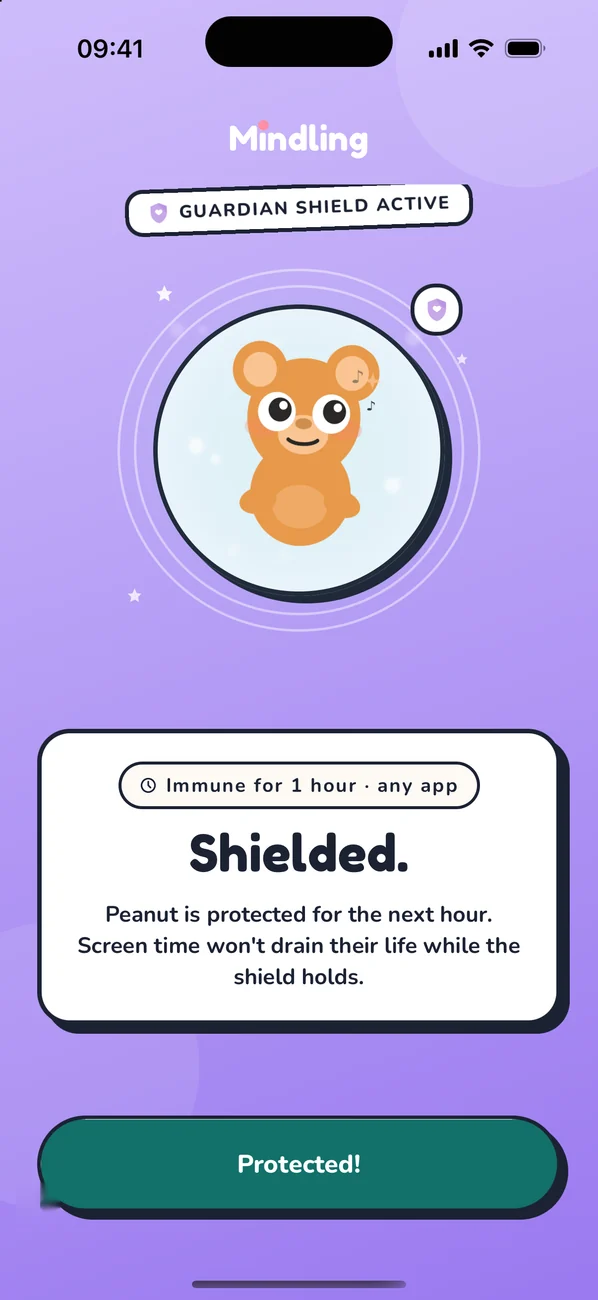
Mindling reads usage summaries from your phone's own screen-time tools, and only after you give it permission. It uses them to set your Mindling's life and mood. Our servers keep a daily total of minutes and how your Mindling's life changed that day. Which apps you use stays on your phone.
We don't sell this data, and there are no ads in the app. The details are in our Privacy Policy.
No. Nothing is blocked or locked. Mindling mirrors your day in your pet, and what you do about it is up to you.
Only if you play Classic. In Gentle, which we recommend, your Mindling faints when its life runs out and recovers on its own once you put the phone down. In Classic it can die, and you bring it back with a Revival Elixir or start a new generation. You can switch any time in Settings.
Mindling is free to download and play. You earn mana with time off your phone, and you can also buy it in packs from $0.99. Your first custom Mindling from a photo is free, and each extra one is $2.99. Prices vary by country. There's no subscription and there are no ads in the app.
It's only sent after you agree on the consent screen. The photo goes once, through our servers, to our AI provider (Anthropic's Claude), which draws your mascot. Our servers don't save it, and it isn't used to train AI models. More in our Privacy Policy.
The game is the same on both. On iPhone, Mindling uses Apple's Screen Time, you pick the apps to track in Apple's own picker, and your Mindling can live on your lock screen and in the Dynamic Island as a Live Activity. On Android, Mindling uses Usage access, and Stats shows which apps drained your Mindling most this week, a breakdown iPhone doesn't share with apps. Home-screen widgets work on both.
In the app, go to Profile and tap Delete account. If you play as a guest or can't open the app, email us instead. Both ways are on our Delete account page.
Teens and adults who want to spend less time on their phone. The store rating means nothing in the app is unsuitable for younger players, but Mindling isn't designed for children under 13, or the minimum age where you live.
Free to download. Your pet is waiting.